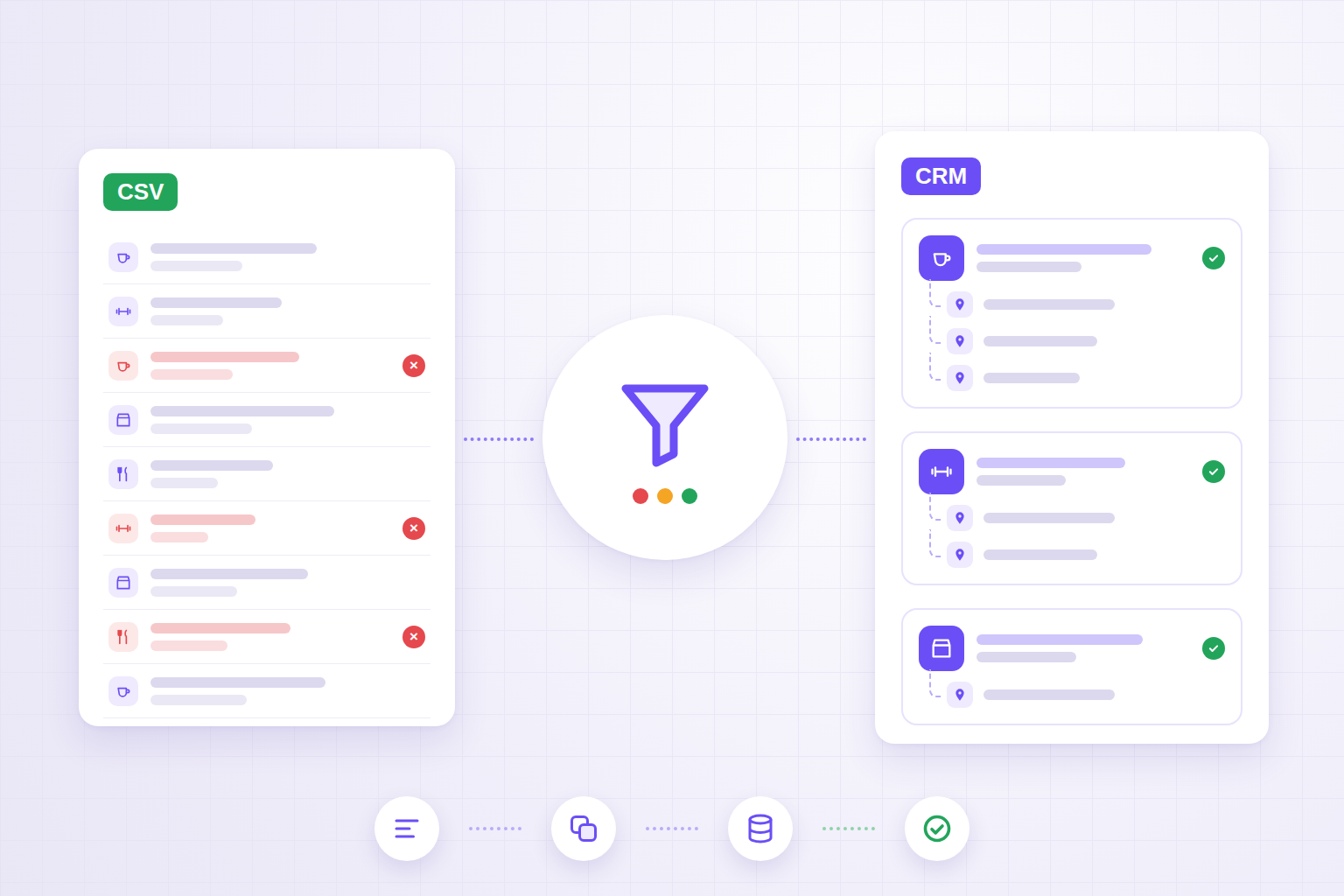
Collecting a list of local businesses is the easy part. The real work starts when that list has to go into a CRM without filling it with duplicates, locations mixed up with companies, and contacts nobody can trace back to a source.
It happens all the time: you run a few searches by area, export a CSV and import it into the CRM. A few weeks later a salesperson finds the same company three times, with three different phone numbers, and has no idea which one is right. A colleague has already called the wrong branch. The report says there are 400 companies on the list; the real number is 310.
In this article we look at how to turn an export of local businesses — such as the one produced by the local business search tool we built — into a clean, usable database: normalisation, deduplication rules, field structure, controlled import and long-term maintenance.
In short
- An export is not a database: it has to be normalised before it is imported.
- Deduplication relies on dependable keys (source ID, domain, phone number), not on the name alone.
- Company, location and contact are three different things and should be kept apart.
- Every record should carry its source, collection date and verification date.
- The import goes through a staging table and a trial run, not straight from the CSV into the CRM.
- Finding a contact does not automatically mean you may use it for marketing.
Why an export is not yet a database
A CSV exported from a search tool describes what the search found at that moment. A CRM, on the other hand, has to describe the companies you work with or could work with, in a stable way that several people share.
The gap between the two is very concrete:
- the same name written in different ways ("Central Café", "CENTRAL CAFE LTD", "Central Café by Smith");
- phone numbers with and without the international prefix, spaces and dashes;
- websites with and without
www,httpor internal paths; - abbreviated addresses ("High St", "High Street", "high street unit 2");
- the same business found by two searches on neighbouring areas;
- chains and franchises with many locations that look like separate companies;
- empty fields that don't mean "doesn't exist" but "not available in the source".
If these problems reach the CRM, they multiply: automations that fire twice, salespeople treading on each other's toes, inflated reports.
Step 1: normalise the fields
Normalising means bringing every field to a standard form, so that two values meaning the same thing become identical. The original value should be kept in a separate column: you need it for checks and to see what was changed.
| Field | What to do | Example |
|---|---|---|
| Name | Remove double spaces, standardise capitalisation, move the legal form (Ltd, LLC, srl) into its own field | "CENTRAL CAFE LTD" → "Central Cafe" + "Ltd" |
| Phone | International E.164 format, digits and prefix only | "071 123 4567" (Italy) → "+390711234567" |
| Website | Extract the registrable domain, without protocol, www or paths | "https://www.example.com/contact" → "example.com" |
| Lowercase, spaces removed, syntax check, domain compared with the website's | "Info@Example.COM " → "info@example.com" | |
| Address | Split street, number, postcode, town and region; expand abbreviations | "12 High St, Bath" → "High Street" / "12" / "Bath" |
| Category | Map the source categories onto a short internal taxonomy | "cafe", "coffee shop", "espresso bar" → "Cafés" |
Another detail: a business may have more than one website, phone number or email address. In the export they often arrive in the same field; before importing they need to be split, choosing which value is the primary one and keeping the others as secondary.
Watch out for "non-business" domains: if the website field contains a social profile, a booking platform or a listings portal, the domain does not identify the company. Those values belong in a "profiles" field and must not be used as a deduplication key.
Step 2: decide what "duplicate" means
The name on its own is the worst possible key: there are dozens of businesses called "The Coffee House", and the same café can show up under three different names. It is better to work in levels of confidence.
Certain match
- same source identifier;
- same business domain and same normalised phone number;
- same VAT or company registration number, when it is available and verified.
Probable match
- same phone number but a slightly different name;
- very similar name and coordinates a few dozen metres apart;
- same domain but different addresses (often a company with several locations, not a duplicate).
Needs checking
- similar name in the same town but nothing else in common;
- same address but different categories (a shopping centre, an office building).
The practical rule is simple: only merge certain matches automatically. Probable ones go into a review queue with the two records side by side. A duplicate can be removed in a minute; two different companies merged by mistake, with their activity history mixed together, take hours to separate.
For similar names you use string similarity measures (Jaro-Winkler or Levenshtein distance, for example) after stripping legal forms and generic words such as "café", "restaurant" or "studio". For proximity you compare coordinates against a threshold in metres. Neither measure is enough on its own to make the call.
Step 3: separate companies, locations and contacts
Many CRMs start out with a single "company" record. With location data this causes confusion, because an area search finds places, not legal entities.
A sturdier structure has three levels:
- Company: the entity you might work with, identified by domain, VAT number or normalised name.
- Location: the physical place the search found, with its own address, coordinates, phone number and opening hours.
- Contact: the person or channel, when there is one and when it is lawful to keep it.
With this split, a chain of ten shops becomes one company with ten locations, not ten companies. And counts by area stay correct, because you count locations.
Step 4: keep the source, date and verification status
The field almost everyone forgets is the one that answers "where does this data come from, and how old is it?". Without it, six months later nobody knows whether a phone number was checked or is still the one from the original export.
For each record, save at least:
- source (tool, search, manual entry, website form);
- ID in the source, to recognise the record in future updates;
- collection date;
- date and author of the last verification;
- status: to be checked, verified, not relevant, closed, merged into…;
- original value of the normalised fields.
These fields matter for a less technical reason too: if someone asks where you got their data, you need to be able to answer.
Step 5: import through staging, not directly
The most expensive mistake is importing the CSV straight into the production CRM. A safer flow looks like this:
- Staging: the file goes into an intermediate table, outside the CRM.
- Normalisation and deduplication within the file.
- Comparison with the existing CRM: each record is flagged as new, an update to an existing record, or a possible duplicate.
- Dry run: generate a summary — how many new records, how many updates, how many for review — without writing anything.
- Human review of the doubtful cases.
- Real import as an upsert: create the record if it doesn't exist, update it if it does, using the source ID or the certain key.
- Log of every operation, so a batch can be rolled back if something goes wrong.
One important rule for updates: data verified by hand beats imported data. If a salesperson has corrected a phone number, the next import must not overwrite it with the old one from the source.
It is the same principle we apply to integrations between an online shop and the ERP, described in the article on eCommerce, ERP, APIs and stock: unique IDs, logs, and clear rules on which system is the authority for each field.
A worked example: 480 records, 352 locations, 318 companies
Imagine you have collected the gyms and fitness centres in a province by running twelve searches on neighbouring areas. The export has 480 rows.
- Deduplicating by source ID removes 96 rows that appeared in more than one search: 384 remain.
- Comparing domain and phone number finds 21 more certain duplicates: 363 remain.
- The review queue proposes 27 probable pairs; 11 really are the same place: 352 locations remain.
- Grouping by business domain, those 352 locations belong to 318 companies, because some chains run several gyms.
- Comparing with the existing CRM shows that 41 companies were already there: they become updates, not new records.
Without these steps, 480 "prospects" would have gone into the CRM. With them, 277 new companies go in, plus 41 updates and a clear list of cases to check.
Checklist before importing
- The file's columns are mapped to CRM fields, with agreed names and formats.
- Phone numbers, domains, emails and addresses are normalised; the originals are kept.
- Domains of social networks, portals and booking platforms are not used as keys.
- The rules for certain, probable and needs-checking matches are written down.
- Companies and locations are separated.
- Every record has a source, source ID, collection date and status.
- A trial import with a summary has been run.
- Fields verified by hand are protected from being overwritten.
- There is a log that allows the batch to be rolled back.
- It has been decided who may use the contacts, for which purposes and under which rules.
What to ask whoever prepares the import
- Which field do you use as the key to recognise a company that is already there?
- What happens if two records share a phone number but have different names?
- Are a company's locations kept separate or merged?
- Can a new import overwrite data corrected by hand?
- Can we see the summary before the data goes into the CRM?
- If the import goes wrong, how do we roll it back?
- Where is the origin of each record stored?
If the answers are vague, the risk is importing in a hurry and spending months cleaning up.
Keeping the database clean over time
A local business database ages quickly: businesses close, change name, premises or phone number. A few habits help:
- repeat the search periodically on the same areas and compare by source ID, to spot new openings and closures;
- flag records that haven't been verified for too long;
- run manual entries through the same deduplication rules;
- use a "closed" status instead of deleting, so the history stays consistent.
Using contacts: collecting is not the same as contacting
A well-built database makes it easier to follow the rules, but it doesn't replace them. If the records contain data about individuals — an owner's name, a personal email address, a mobile number — the GDPR applies: you need a legal basis, a privacy notice (Article 14 covers exactly the case of data not collected from the person concerned) and a way to object to direct marketing.
Legitimate interest is not automatic: it has to be assessed case by case, as explained in the EDPB Guidelines 1/2024 on Article 6(1)(f). Commercial emails, text messages and calls are also subject to specific electronic communications rules and, in several countries, to national do-not-call registers. That is why the CRM should record the purposes each contact may be used for, and handle objections in a field that no import can overwrite.
This isn't legal advice: for actual campaigns, check with whoever handles privacy for your company. On the technical side, we cover consent and tracking on the page about web compliance and GDPR.
How we handle it at BitHub
The local business search tool we built already deduplicates results within a session, and its export includes an identifier, the source and a confidence score for every record: the import therefore starts with less noise and with a key that is useful for updates. But the search is only the first step.
When the database has to become part of a sales process, we design the rest: staging table, normalisation rules, a review queue for duplicates, API import into the CRM, logs and periodic synchronisation. If the CRM also has to talk to the website, eCommerce platform or ERP, we integrate it as part of a single architecture, as described on the pages about CRM and ERP platforms and eCommerce integrated with the ERP.
The same rigour pays off downstream: clean lists are the basis of reliable segments, as we explain in the article on newsletters with dynamic segments and a CRM.
FAQ
What is the most reliable way to spot a duplicate?
A stable identifier from the source, when there is one. Without it, the website domain and the normalised phone number work well. Similar names and addresses should flag possible duplicates, not merge them automatically.
Should duplicates be merged automatically?
Only when the match is certain, for example the same source ID, or the same domain and the same phone number. Probable matches belong in a review queue: a wrong merge is far harder to undo than a duplicate.
How do you handle companies with several locations?
By separating the company from its locations. The company has a single record; each shop or branch is a linked location with its own address, phone number and coordinates.
Can I import the CSV straight into the CRM?
Technically yes, but it isn't advisable. Go through a staging table where you normalise, deduplicate and run a trial import, then load only the approved records into the CRM.
If I have a company's email address, can I send it marketing?
No. Finding a piece of data and using it for commercial communications are separate steps with separate rules. You need to assess the legal basis, the privacy notice, the right to object and the electronic communications rules that apply to your case.
Is your CRM full of duplicates, or do you have an export to import?
We can analyse your data, define the deduplication rules and build a repeatable import into your CRM, connected where needed to your website, eCommerce platform and ERP.