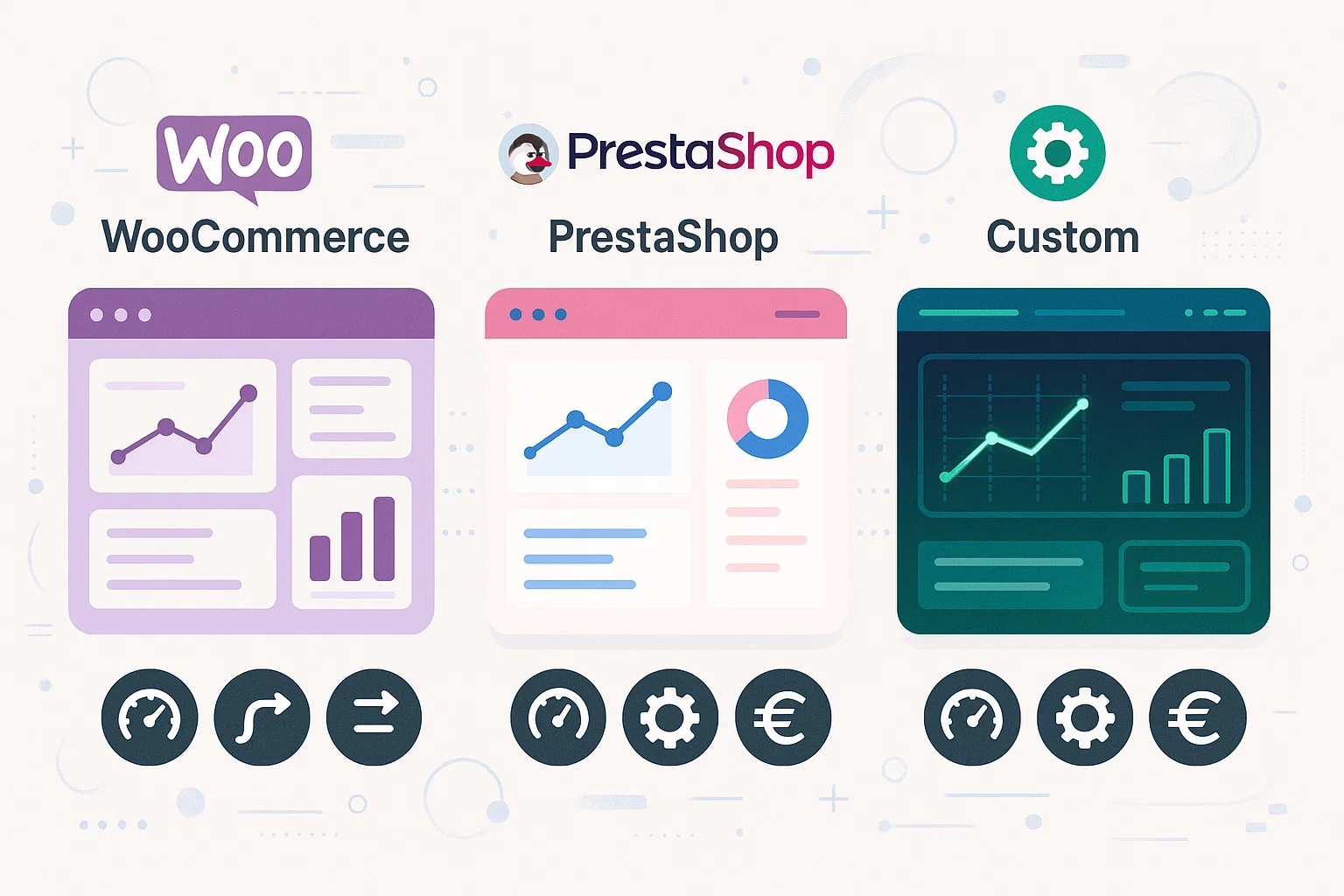
There is no single best platform. There is a platform that fits your catalogue, processes, skills and budget better than the others. WooCommerce can be efficient for a content-driven project; PrestaShop offers many native commerce features; a custom eCommerce makes sense when integrations and operational differences are the heart of the business.
The choice shouldn't start from a demo or a feature list. First you need clarity on the volume and quality of the data, pricing rules, warehouses, markets, payments, returns, SEO, feeds, campaigns and the people who will run the system.
Quick comparison
| Criterion | WooCommerce | PrestaShop | Custom |
|---|---|---|---|
| Getting started | Fast with standard requirements | Fast for standard eCommerce catalogues | Requires analysis and development |
| Editorial content | Deeply integrated with WordPress | Manageable, less central | Designed around the need |
| Catalogue | Flexible via plugins and development | Native eCommerce features | Dedicated data model |
| Integrations | Plugins, APIs or custom work | Modules, webservice or custom work | Part of the architecture |
| Initial cost | Generally lower | Generally mid-range | Generally higher |
| Cost over time | Depends on plugins and maintenance | Depends on modules and customisations | Depends on evolution and supplier |
When to choose WooCommerce
WooCommerce turns WordPress into an eCommerce platform. It is a natural choice when content, blogging, editorial pages and marketing are central and the sales process can be covered well by its ecosystem.
Strengths
- an editor and content management many teams already know;
- a huge supply of themes, plugins and developers;
- a good solution for standard catalogues and projects that start gradually;
- direct integration between editorial content and products;
- the ability to customise checkout and processes with PHP development.
Limits to weigh up
The ease of adding plugins can become the main problem. Overlapping extensions increase dependencies, queries, scripts, attack surface and update complexity. A large catalogue doesn't automatically make WooCommerce unsuitable, but it does require deliberate design of database, caching, search and hosting.
WooCommerce is often a good fit when the team already knows WordPress, the commercial rules are relatively standard and you don't need many B2B flows or critical integrations.
When to choose PrestaShop
PrestaShop was born as an eCommerce platform and natively includes many features for products, variants, prices, promotions, orders, customers and multistore.
Strengths
- an operating model built around online retail;
- structured management of catalogue, combinations and pricing rules;
- an ecosystem of modules dedicated to payments, shipping and marketplaces;
- multistore and international features available in the stack;
- the ability to develop custom work through modules, hooks and the webservice.
Limits to weigh up
Core, theme and module updates have to be tested carefully. Deep customisations can make upgrades more delicate. Here too, performance depends on the implementation: a PrestaShop with a heavy theme and many modules can be slow, while a well-governed project can handle sizeable catalogues.
It is a sensible choice when retail is the centre of the project, the native features cover a good share of the requirements and the company is happy to work within the platform's model.
When to choose a custom eCommerce
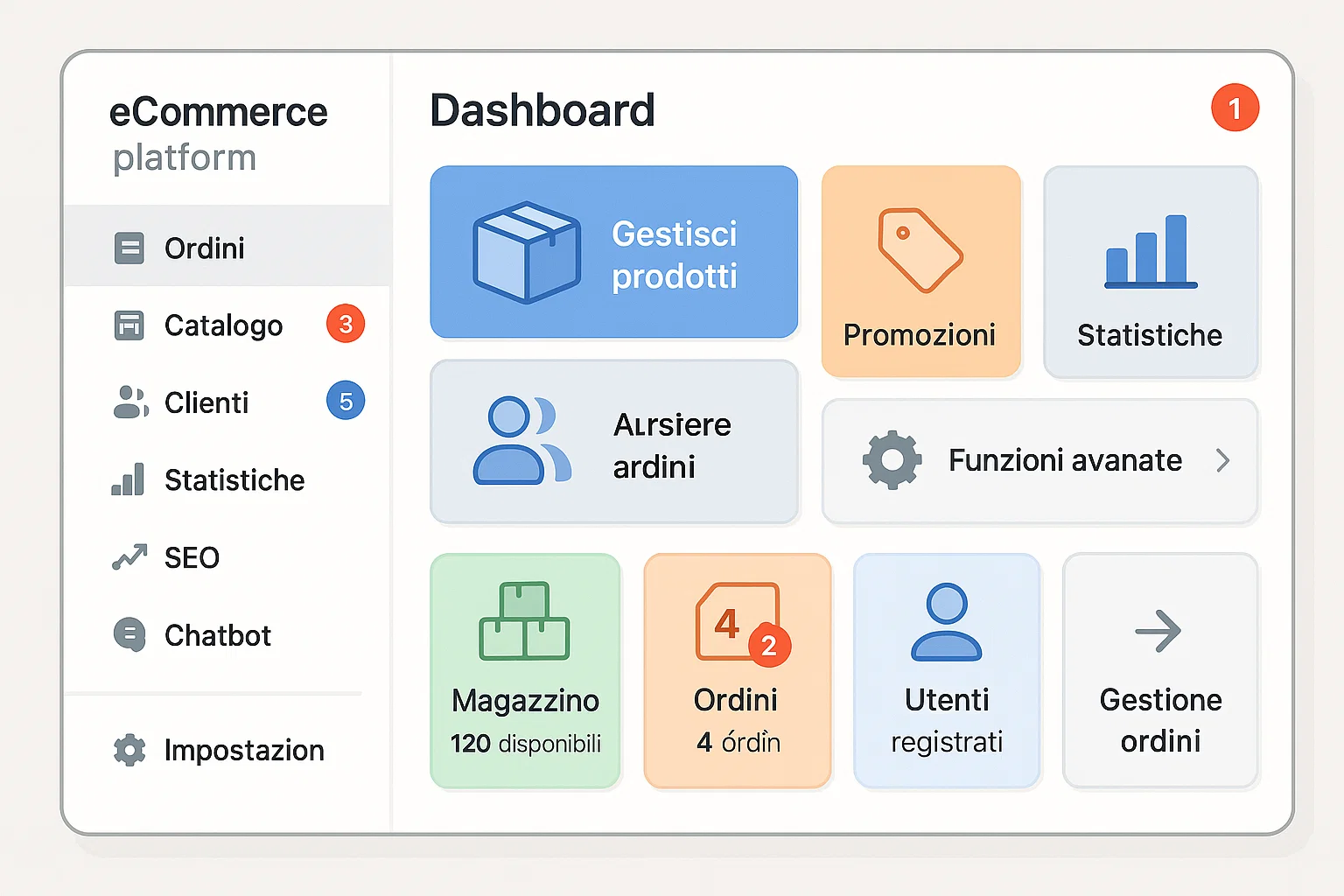
A custom platform starts from processes rather than from a CMS's features. That doesn't mean rewriting every component: payments, email, search, hosting and external services can use established solutions, integrated inside a dedicated architecture.
Strengths
- a data model built around real products, customers and rules;
- integrations with ERP, CRM, warehouse and couriers designed from the start;
- interfaces and flows reduced to what the team actually needs;
- control over performance, site search, facets and SEO pages;
- evolution aligned with the company's roadmap.
Limits to weigh up
Custom requires an initial investment, analysis, testing, documentation and a stable relationship with whoever maintains the software. It doesn't automatically benefit from the plugin ecosystem of widely used platforms, and it can create supplier dependency if code, data, infrastructure and procedures aren't documented.
It isn't the right choice for a simple catalogue and standard processes. It becomes interesting when the company keeps spending to work around limits, duplicate data or adapt plugins that only cover part of the job.
The number of products isn't enough to decide
Ten thousand simple, clean products can be less complex than five hundred products with configurations, compatibility rules, customer price lists, availability by location and quotation rules. The useful questions are:
- how many variants and relationships does each product have?
- who governs prices, stock and master data?
- how many systems have to exchange data?
- are there B2B price lists, sales agents or customer-specific terms?
- which pages need to be indexed?
- how much does a synchronisation error cost?
Our guide on eCommerce, ERP, APIs and stock goes deeper into these flows.
SEO: no platform guarantees rankings
WooCommerce, PrestaShop and custom can all produce correct titles, canonicals, sitemaps and structured data. They can also produce them badly. The difference lies in the control you have over categories, facets, brands, out-of-stock products, variants and internal links.
Before choosing, check whether the team will be able to change content, redirects, meta data and indexing rules without risky interventions. If the current platform has to be replaced, the SEO migration needs to be designed alongside the new architecture.
Performance and security
"Custom" doesn't automatically mean fast or secure, just as "open source" doesn't mean fragile. A reliable project needs updates, testing, backups, monitoring, dependency control and access management in any stack.
Widely used platforms have many eyes on the code, but also a surface that attackers know well. Custom removes some standard dependencies, but it puts direct responsibility for software quality on you. The decision has to include who will manage hosting and maintenance after go-live.
How we choose at BitHub
We start from requirements, data and total cost. If WooCommerce or PrestaShop cover the project well, we prefer to optimise them. If plugins, manual synchronisations and constraints become the dominant cost, we consider custom eCommerce development.
For a comparison that also includes a SaaS platform, read our guide on Shopify, PrestaShop or custom.
Frequently asked questions
Is WooCommerce suitable for a large catalogue?
It can work, but the answer depends on the data model, theme, plugins, queries, hosting and processes. The number of products alone is not enough to make the decision.
Is PrestaShop always faster than WooCommerce?
No. Both platforms can be fast or slow. Theme architecture, modules, database, caching, images and hosting matter far more than the platform label.
Does a custom eCommerce always cost more?
It generally requires a larger initial investment, but it can reduce recurring costs when plugins, manual procedures and standard limitations demand constant fixes. It has to be judged on total cost.
When is custom not worth it?
When catalogue, checkout and processes are standard, the budget is limited or the team doesn't need unusual integrations. In those cases a widely used platform can be more efficient.
Let's compare the platform, integrations and costs of your project