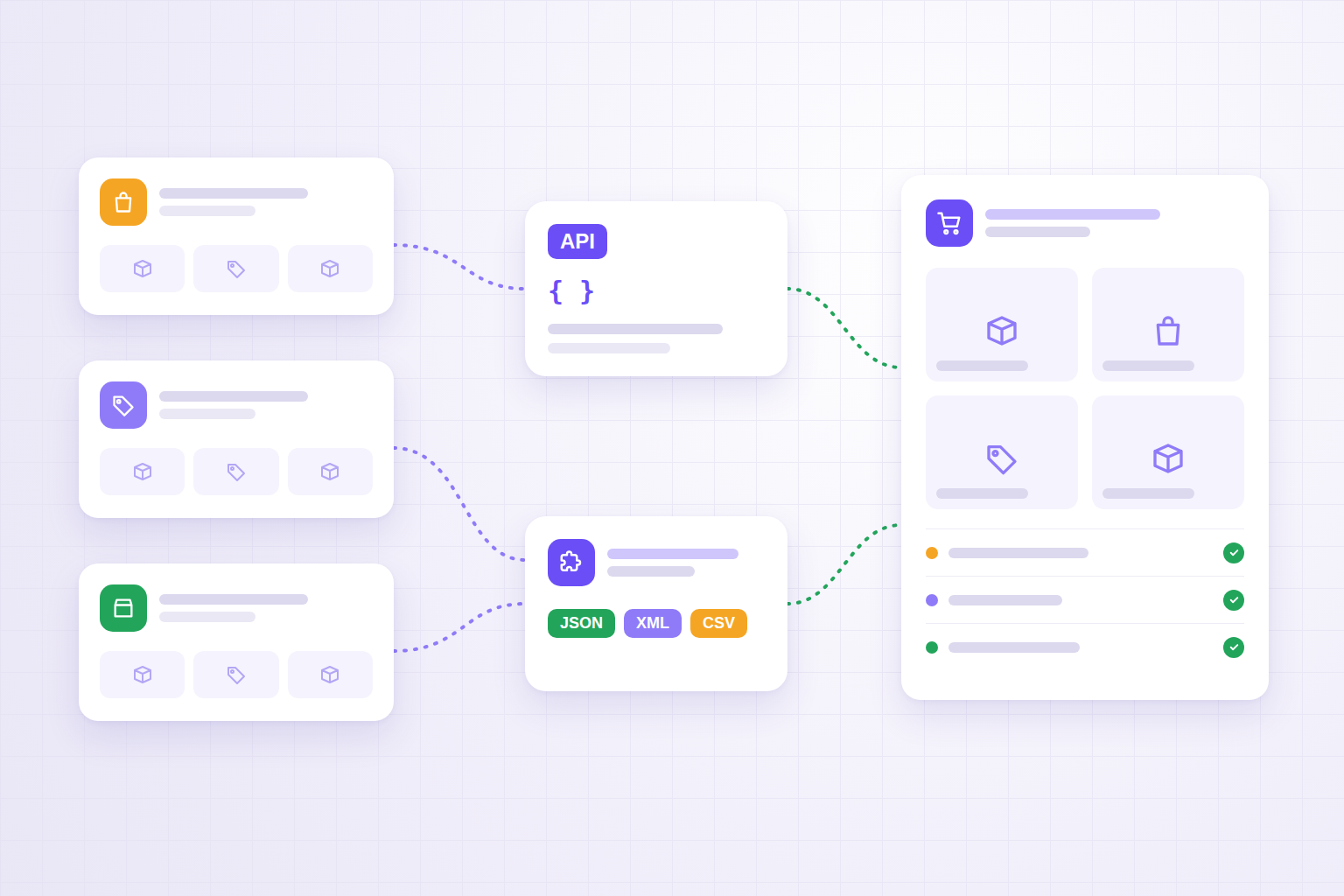
Selling on Amazon, eBay or other marketplaces as well as on your own site brings in revenue. It also brings a problem: products, orders and stock live in different places, and someone has to keep them aligned.
At first it's done by hand: you copy the order into the ERP, update the stock, paste the product page from the site into the marketplace. Then the channels become three, orders reach fifty a day, and mistakes start to cost money: products sold twice, forgotten shipments, prices that differ from one channel to the next.
In this article we look at the options for bringing products and orders from marketplaces into your eCommerce platform or ERP: official APIs, reports and exports, browser extensions that read the page, and dedicated integrations. Above all, we look at how to map the data so the flow doesn't create more problems than it solves.
In short
- Official APIs are the best route for continuous flows, when you can access them.
- Reports and exports work for periodic imports and modest volumes.
- A browser extension helps when the data is visible on the page but not exposed by an API, or when a system has no API at all.
- The hard part isn't getting the data, it's mapping it: SKUs, variants, VAT, order statuses, currencies.
- Every piece of data needs a single source of truth, and every order a unique key.
Three ways to get data out of a marketplace
1. Official APIs
The main marketplaces offer APIs for sellers. Amazon has the Selling Partner API, with APIs for orders, listings and the catalogue; eBay has its Sell APIs, including the Fulfillment API for orders and the Inventory API for offers and availability.
Advantages:
- structured, documented data;
- explicit permissions granted by the seller account;
- suited to automatic, continuous synchronisation;
- they can write as well as read: update stock, confirm shipments.
Limits to be aware of:
- you need to register an application and obtain authorisation;
- there are call limits to respect;
- APIs change version: Amazon, for example, has released a new version of its Orders API dated 2026-01-01, and integrations have to be updated;
- buyers' personal data requires specific permissions and must be handled carefully;
- some information visible in the seller dashboard isn't exposed, or is exposed in a different form.
2. Reports and exports
Almost every seller dashboard lets you download order, inventory and listing reports as CSV or similar formats. It's the simplest way to start: download, transform, import.
It works well for modest volumes and daily updates. It becomes fragile when you need higher frequency, because it depends on someone downloading the file and on a format that can change without notice.
3. Browser extensions that read the page
There are cases where APIs aren't enough, or don't exist:
- a marketplace or supplier portal with no API;
- data visible on the page but not returned by the API;
- a small business that doesn't want to deal with registering and maintaining an app;
- a one-off import, for example the initial catalogue when you launch your own eCommerce site.
In these cases a browser extension can read the page you're already viewing, extract the structured data, show you a preview and send it to your system. That's the approach taken by Ammatita Bridge, a Chrome extension that extracts products, orders and generic data from a page — reading JSON-LD, page elements, CSS selectors or XPath, with dedicated adapters for Amazon and eBay — and sends it as JSON, XML or CSV to a configurable endpoint, authenticated with an API key, a token or an HMAC signature.
The advantage is that the data arrives already structured and goes through a human review before it's sent. The limit is that you work page by page, and extraction depends on the page structure: an extension is excellent for one-off imports and for filling the gaps in the APIs, but it doesn't replace continuous server-side synchronisation.
One important note: using an extension doesn't change the rules. Use it on pages you're entitled to view and on data you're entitled to reuse — your own products, your own orders, price lists from suppliers you have an agreement with — and respect each platform's terms of use. Mass-copying other sellers' listings and images is a different matter, and we don't recommend it.
Which route to choose
| Situation | Recommended route |
|---|---|
| Many orders a day, several channels, shared stock | Official APIs with a server-side integration |
| Few orders, daily updates are enough | Reports/exports with an automated import |
| Initial import of your own catalogue from a marketplace | APIs if available, otherwise an extension with review |
| Supplier portal or marketplace with no API | Browser extension sending to a dedicated endpoint |
| Data visible on the page but missing from the API | APIs for the main flow + extension for the missing data |
Often the right answer is a combination, not a single technology.
The hard part: mapping the data
Getting the data is the easy part. Making it land correctly in your eCommerce platform or ERP takes precise decisions.
Product identifiers
Every marketplace has its own codes: ASIN on Amazon, item ID on eBay, plus the seller SKU and often an EAN/GTIN. You need a lookup table between your internal code and each channel's codes. Without it, the same product becomes three different products.
Variants
Sizes and colours are organised differently from platform to platform. A parent product with variants on one marketplace may be a series of simple products on another. The mapping has to be decided up front, not discovered during the import.
Prices, VAT and currencies
The price you see may include or exclude VAT, come in different currencies, and hide marketplace fees that don't show in the order. For reports and margins you need separate fields: gross price, taxes, fees, shipping.
Order statuses
"Pending", "Unshipped", "Shipped", "Cancelled": every channel has its own statuses, and they need mapping onto those of your system.
| Marketplace status | Internal status | Action |
|---|---|---|
| Awaiting payment | Don't import, or "pending" | Don't reduce stock permanently |
| Paid, to be shipped | To fulfil | Reduce stock, create the order |
| Shipped | Fulfilled | Update tracking |
| Cancelled | Cancelled | Restore stock |
| Returned/refunded | Returned | Update reports and margins |
A unique key for every order
The marketplace order ID must be saved as an external key. The import runs as an upsert: if the order exists it's updated, if not it's created. It's the only way to re-run a failed import without creating duplicates.
Which system is the source of truth for each piece of data
The most common mistake is syncing everything in every direction. The result is data that keeps overwriting itself.
- Stock: a single source, usually the ERP or warehouse, which updates the site and the marketplaces.
- Orders: they originate in the sales channel and flow into a single fulfilment system.
- Product content: maintained in one place (PIM, ERP or eCommerce platform) and adapted to each channel.
- Prices: one rule per channel, calculated from a base price, not edited by hand everywhere.
It's the same principle we describe in the article on eCommerce, ERP, APIs and stock: without a source of truth for each field, integration multiplies mistakes instead of removing them.
A worked example
A homeware shop sells on its own site, on Amazon and on eBay, with about 1,200 products and 60 orders a day. Right now one person spends two hours a day copying orders and updating availability.
- Amazon and eBay orders arrive via API every few minutes and are created in the ERP with the marketplace ID as the key.
- Stock starts in the ERP and is sent to the site and the marketplaces after every movement.
- To open a new channel — a distributor's B2B portal with no API — price lists are read with a browser extension and sent to an endpoint that normalises them.
- Orders that fail the checks — unknown SKU, inconsistent status — go into an error queue to be handled, instead of blocking the whole flow.
Manual work doesn't disappear entirely: it shifts to the exceptions, which are few and visible.
Checklist before you start
- A list of channels and, for each one, the data to import and export.
- A check of which data is available via API, via reports or only on the page.
- A lookup table between internal codes and marketplace codes.
- Rules for variants, prices, VAT, currencies and fees.
- Order status mapping.
- A defined source of truth for stock, prices, product content and orders.
- External IDs saved and imports run as upserts.
- An error queue and readable logs.
- Buyers' personal data limited to what's needed to fulfil the order.
- A check of each platform's terms of use.
What to ask whoever builds the integration
- Do you use the official APIs? Who owns the registered application?
- What happens when the marketplace changes API version?
- How do you recognise an order that's already been imported?
- Who updates stock, and in which direction?
- Where can I see orders that weren't imported, and why?
- Which buyer personal data is stored, and for how long?
- If you use an extension or page automation, on which pages and with which permissions?
How we handle it at BitHub
We design the integration starting from the flows, not the tool: which channels, which data, which system has the final say on each field. Then we choose the right means for each flow — official APIs where possible, automated reports where they're enough, a browser extension and dedicated endpoints where they're needed — and build the mapping, error queues and logs.
When the problem is broader, marketplace integration becomes part of an overall project for eCommerce integrated with the ERP or custom eCommerce development. And if the products also go to Google Shopping, the same normalised catalogue feeds the Merchant Center feed.
If you're still choosing a platform, it's worth reading our comparison of Shopify, PrestaShop or custom: ease of integration with sales channels is one of the criteria that changes the decision. And if you also track competitors' prices on the marketplaces, the article on competitor price monitoring tackles the topic from the analysis side.
FAQ
What is the best way to import orders from Amazon or eBay?
Where possible, the marketplace's official APIs: they are designed for continuous synchronisation, use explicit permissions and stay stable over time. Reports and extensions are useful when the APIs aren't accessible or don't expose the data you need.
Can a browser extension replace an API integration?
No. An extension works on the page you have open and is great for one-off imports, data the APIs don't expose, or systems with no API. Continuous, high-volume flows need a server-side integration.
Can I import another seller's products from a marketplace?
Think very carefully before doing so: text, images and data belong to whoever published them, and marketplace terms set limits. The typical, safe use is importing your own products, your own orders and data from suppliers you have an agreement with.
How do you avoid importing the same order twice?
Use the marketplace order ID as an external key and import as an upsert: if the order already exists it is updated, not duplicated. You also need logs and status checks.
Should stock be synced from the marketplace to the eCommerce site?
Usually not. Stock should have a single source of truth, typically the ERP or warehouse, which updates the site and the marketplaces. What comes from the marketplace are the orders that reduce availability.
Selling on several channels and spending too long copying data?
We can analyse your channels, work out which data is available via API and which isn't, and design a flow that gets products and orders where they need to be, without duplicates.